press
Press kit
Descriptions, facts, screenshots and the mark, checked against the 1.0.0 release. If you quote a number, quote it from here.
Download the kit.zip, 4.0 MB: README, mark, screenshots, video
copy
Describe it
One line
plottypus is a system monitor for Apple Silicon Macs that runs in the terminal: one Rust binary, no sudo.
One paragraph
plottypus is a terminal system monitor for Macs with Apple Silicon (M1 to M5, including Pro, Max and Ultra), written in Rust on ratatui. It shows CPU, GPU, memory, heat, fans, battery, network, disk and per-process watts in one TUI, without sudo. On the M5 Pro it reads live CPU watts from the SMC power rails. On other chips it holds the last published IOReport value with its age, and shows — once that value is more than 10 s old. On macOS 27 that is often: the counters publish in batches up to 108 s apart, and sometimes not for tens of minutes. It costs about 1.5% of one core at the default 500 ms, with 0 redraws while idle. Version 1.0.0 came out on 23 September 2026. Free to use under the EULA. The source is not open. A paid Pro tier is planned and not on sale yet.
facts
Key facts
- Name
- plottypus (lowercase; the command is
plottypus) - Version
- 1.0.0, released 23 September 2026
- Platform
- macOS on Apple Silicon, M1 to M5, including Pro, Max and Ultra
- Tested on
- A MacBook Pro with an M5 Pro (Mac17,8): 6 Super + 12 Performance cores, 20-core GPU, 24 GB; macOS 27.0 (26A428)
- Privileges
- No sudo
- Power on macOS 27
- Live CPU watts from SMC power rails on the M5 Pro (Mac17,8), within about 10% of IOReport
- Other chips
- On Macs without mapped SMC rails, CPU watts show ≈ with an age between batches, and a dash (—) once the last batch is over 10 s old
- Self-cost
- About 1.5% of one core at the default 500 ms; about 1% of one core at 1 s; 0 redraws while idle (M5 Pro (Mac17,8), macOS 27.0, on AC power, no sudo, median of 3, 160×45)
- Size
- Binary about 2.2 MB; download 1.1 MB
- Tests
- 1,649 tests
- Sensors
- 3,626 SMC keys on the M5 Pro
- Themes
- 10 built-in themes, plus auto (built from your terminal's palette)
- Privacy
- Makes no network connections and sends no telemetry
- Licence
- Free to use under the EULA. The source is not open.
- Price
- Free. Every live reading stays free. Pro is not on sale yet.
- Built with
- Rust, ratatui
- Made by
- Lay Sheth, solo, India
Every figure was checked on 24 September 2026. The power figures are explained in the macOS 27 post; what each chip shows is in supported Macs.
media
Screenshots and video
PNGs are 2× captures from the real 1.0.0 binary on an M5 Pro. Files marked demo use the built-in --demo session, so the process names in them are canned. You may use these in articles and videos about plottypus.
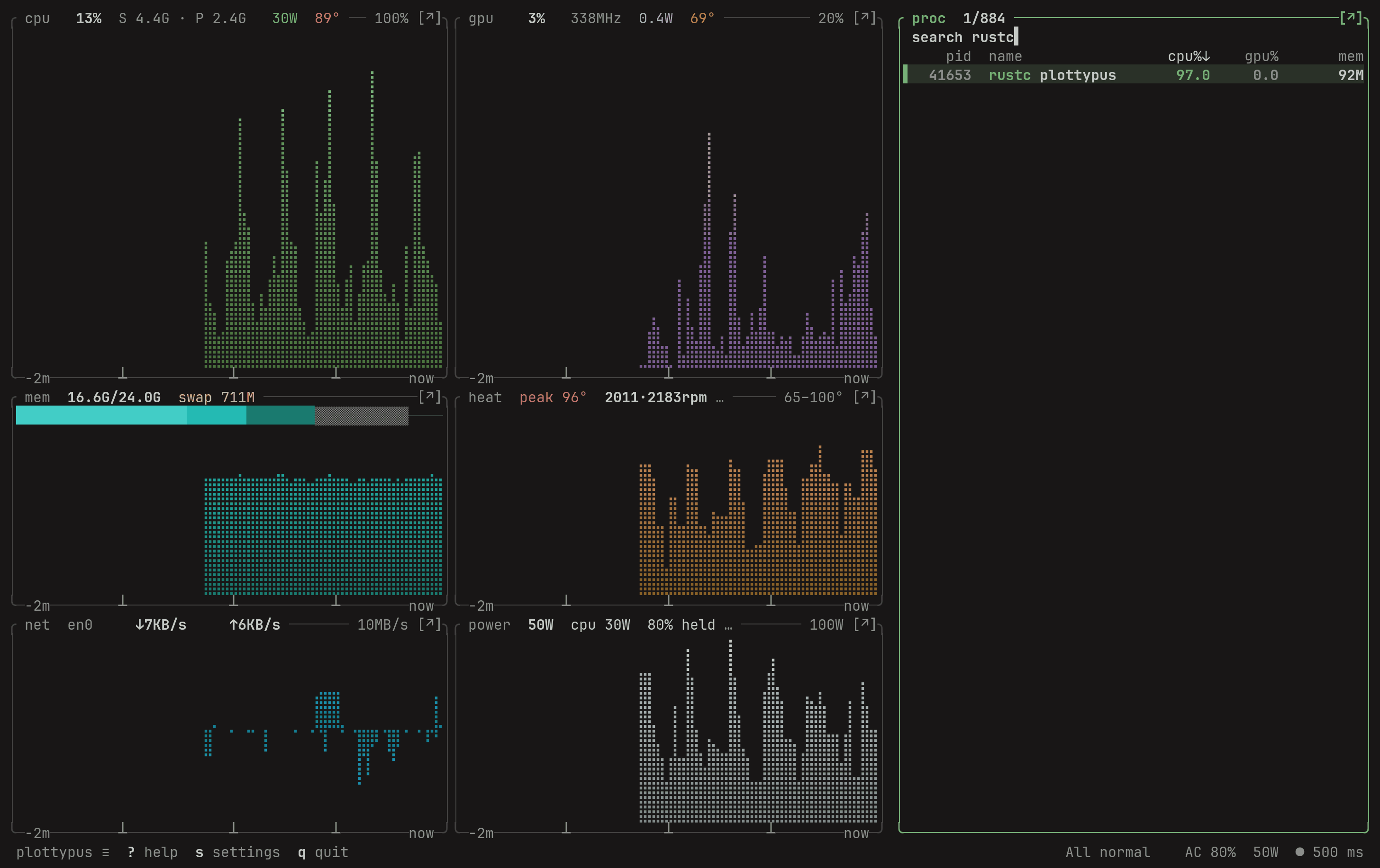
- plottypus.gifGIF, 960×604, 20 s, 570 KB
- plottypus.mp4MP4, H.264, 1.7 MB
- plottypus.webmWebM, VP9, 1.3 MB
- plottypus-poster.pngPoster frame, 56 KB
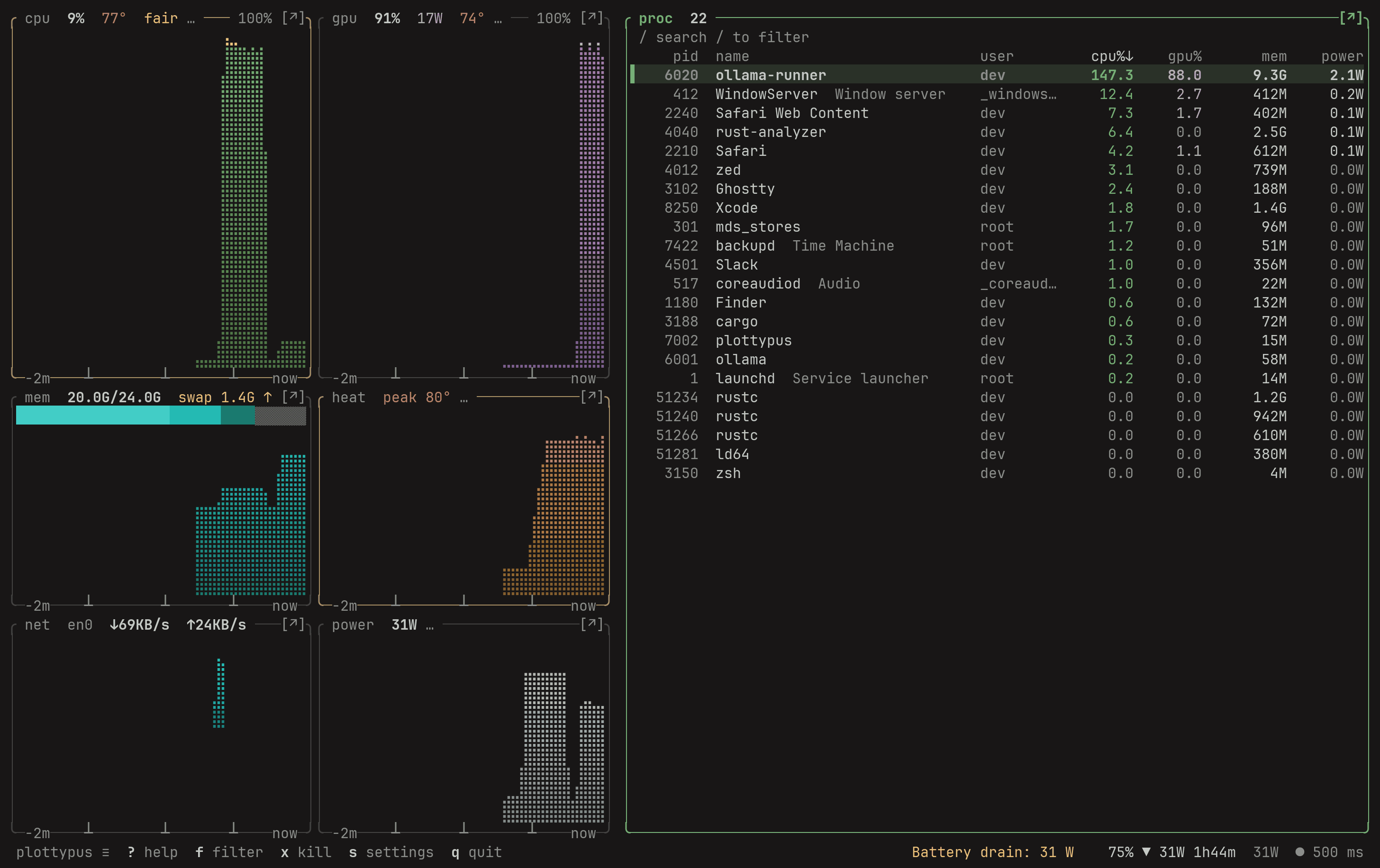
Work surface, full process listdemohero-demo.pngPNG, 109 KB 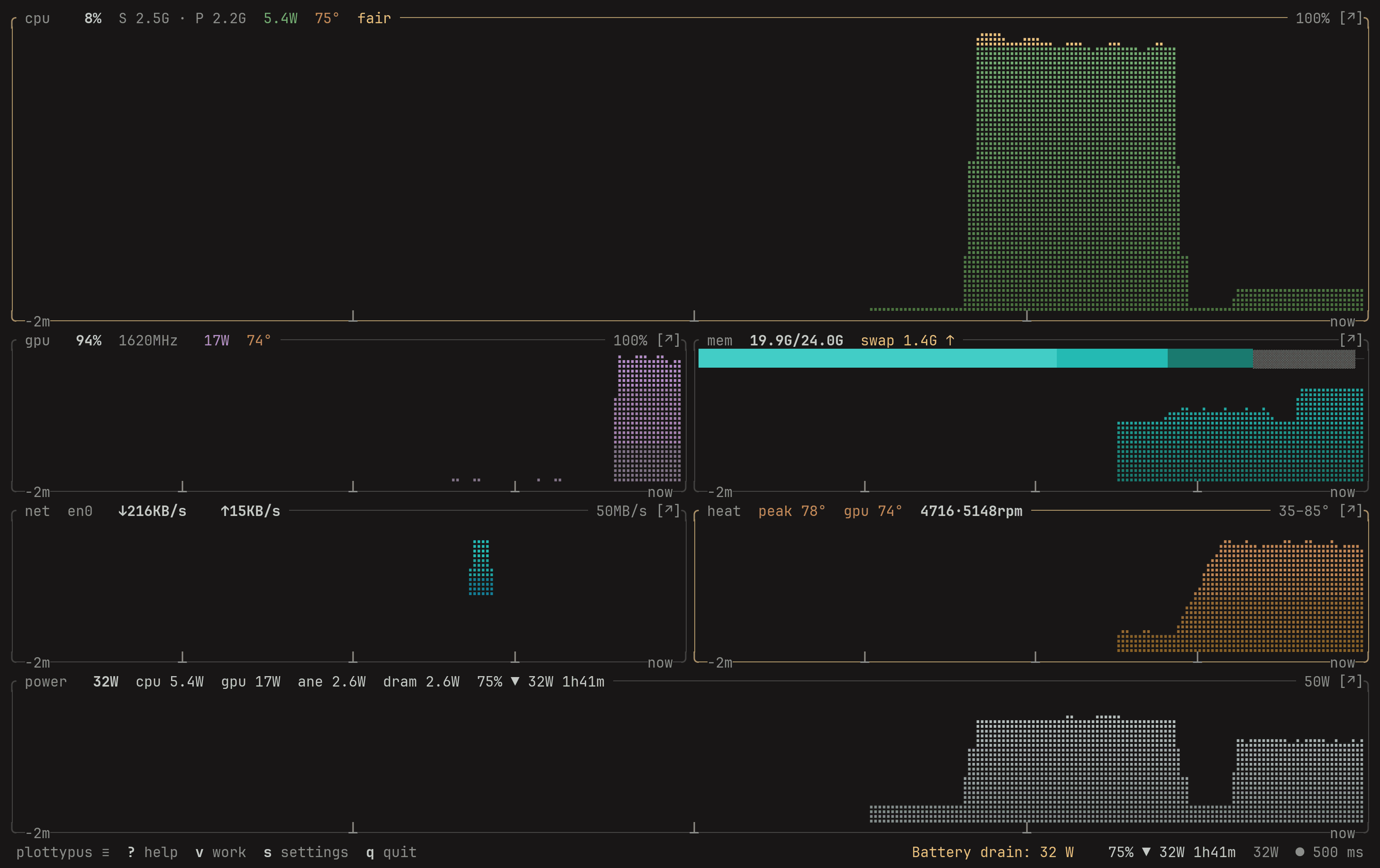
Glance surfacedemoglance.pngPNG, 47 KB 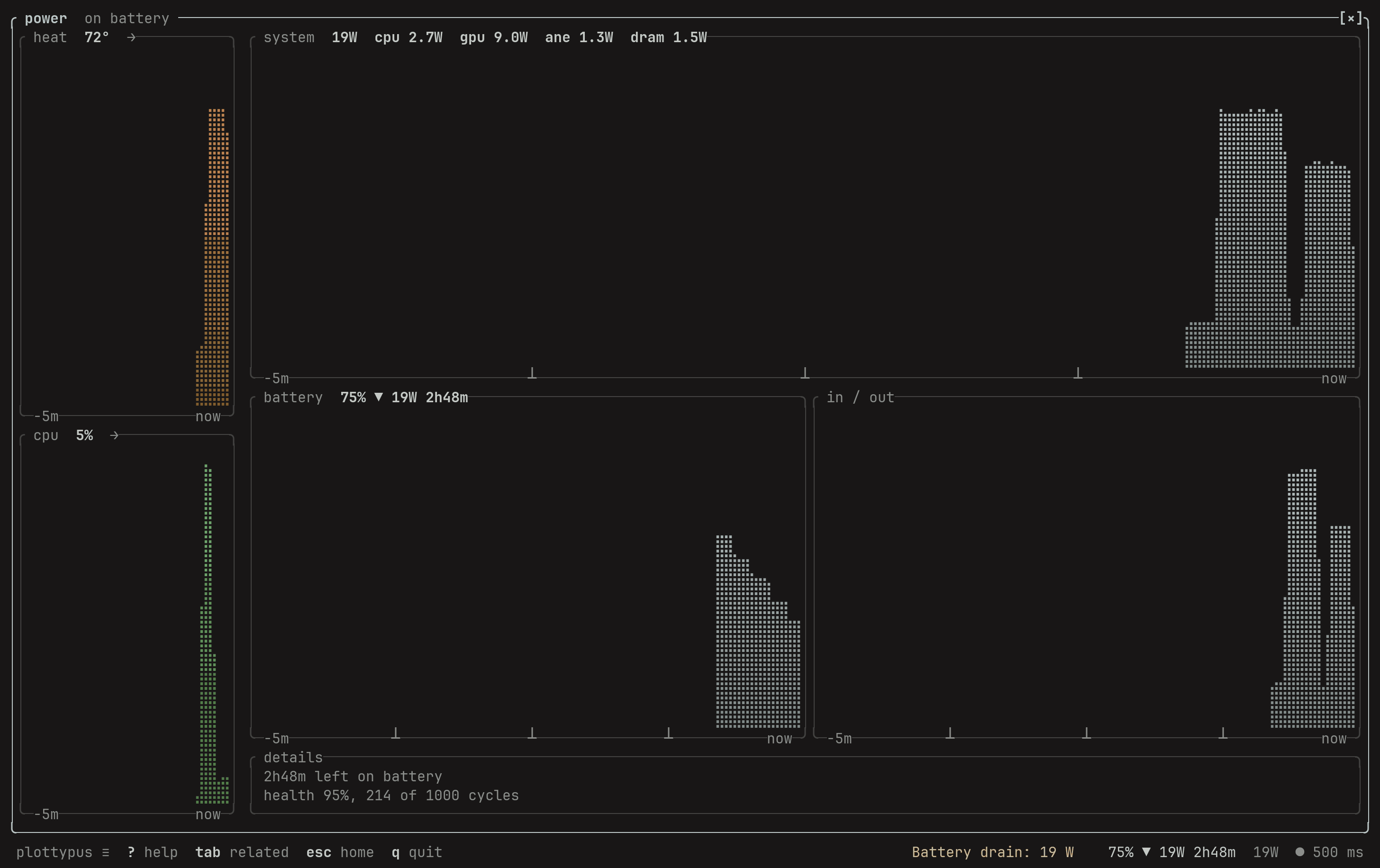
Power, expandeddemopower-expanded.pngPNG, 44 KB 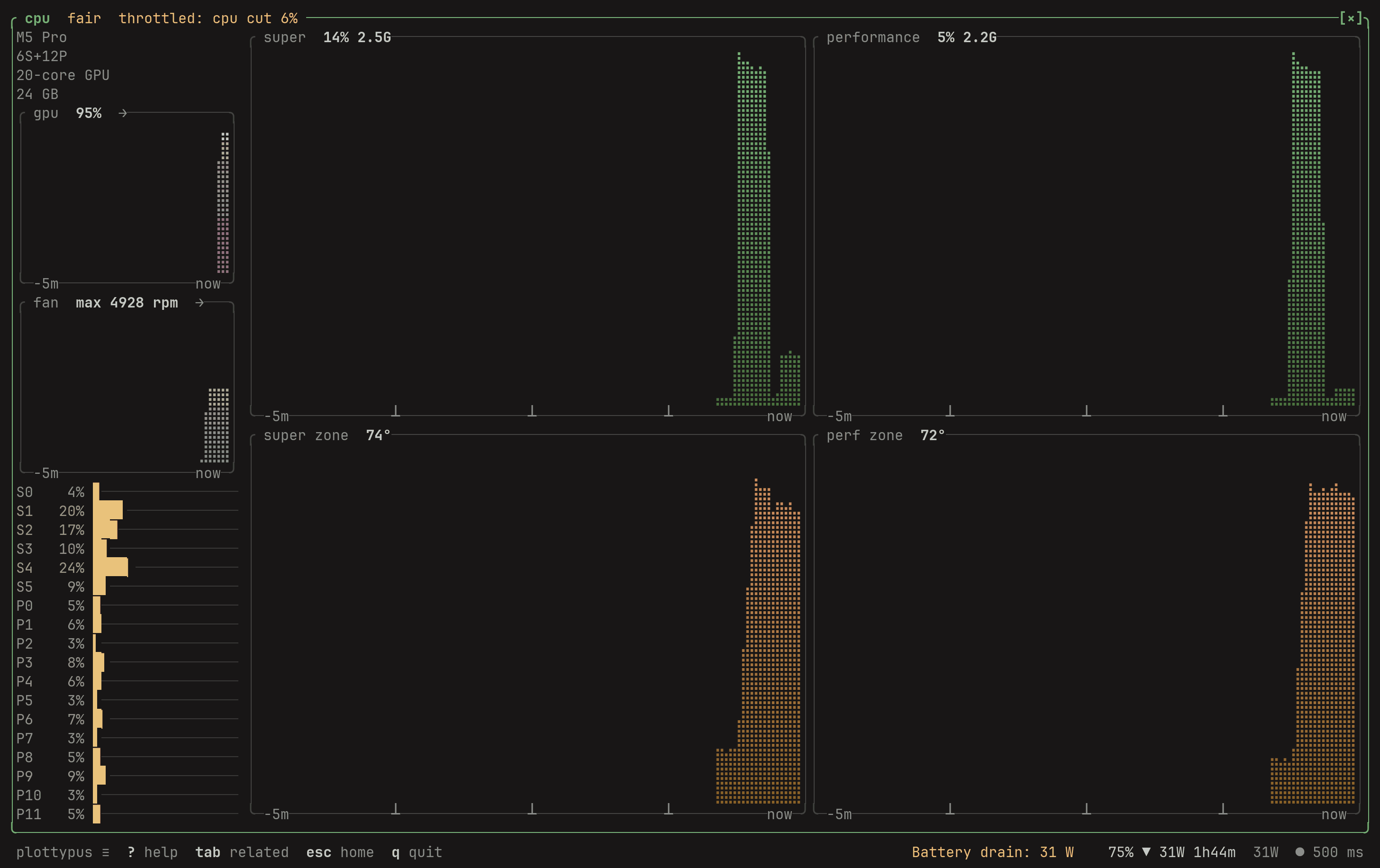
CPU, expandeddemocpu-expanded.pngPNG, 54 KB 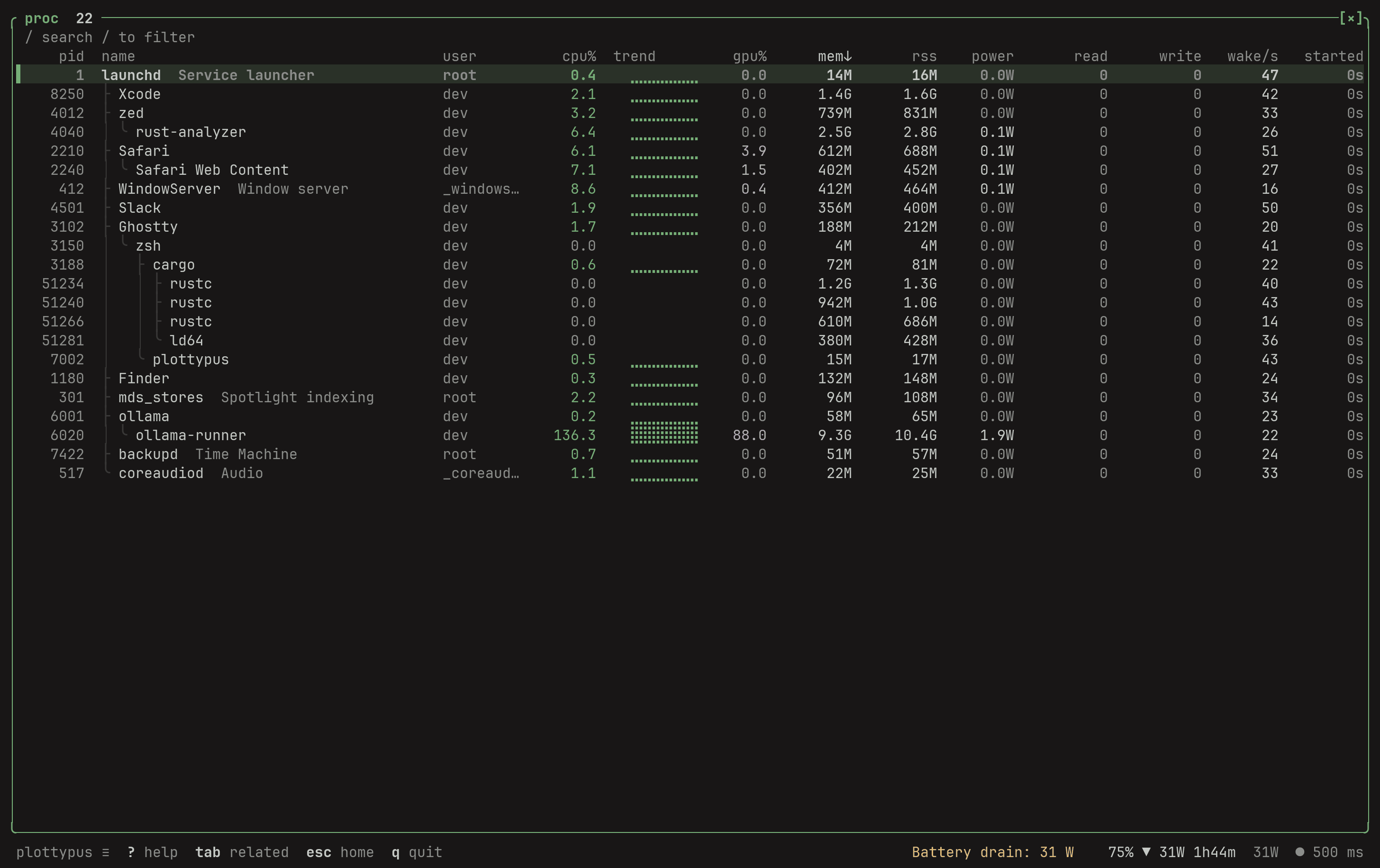
Process table, tree viewdemoprocs.pngPNG, 111 KB 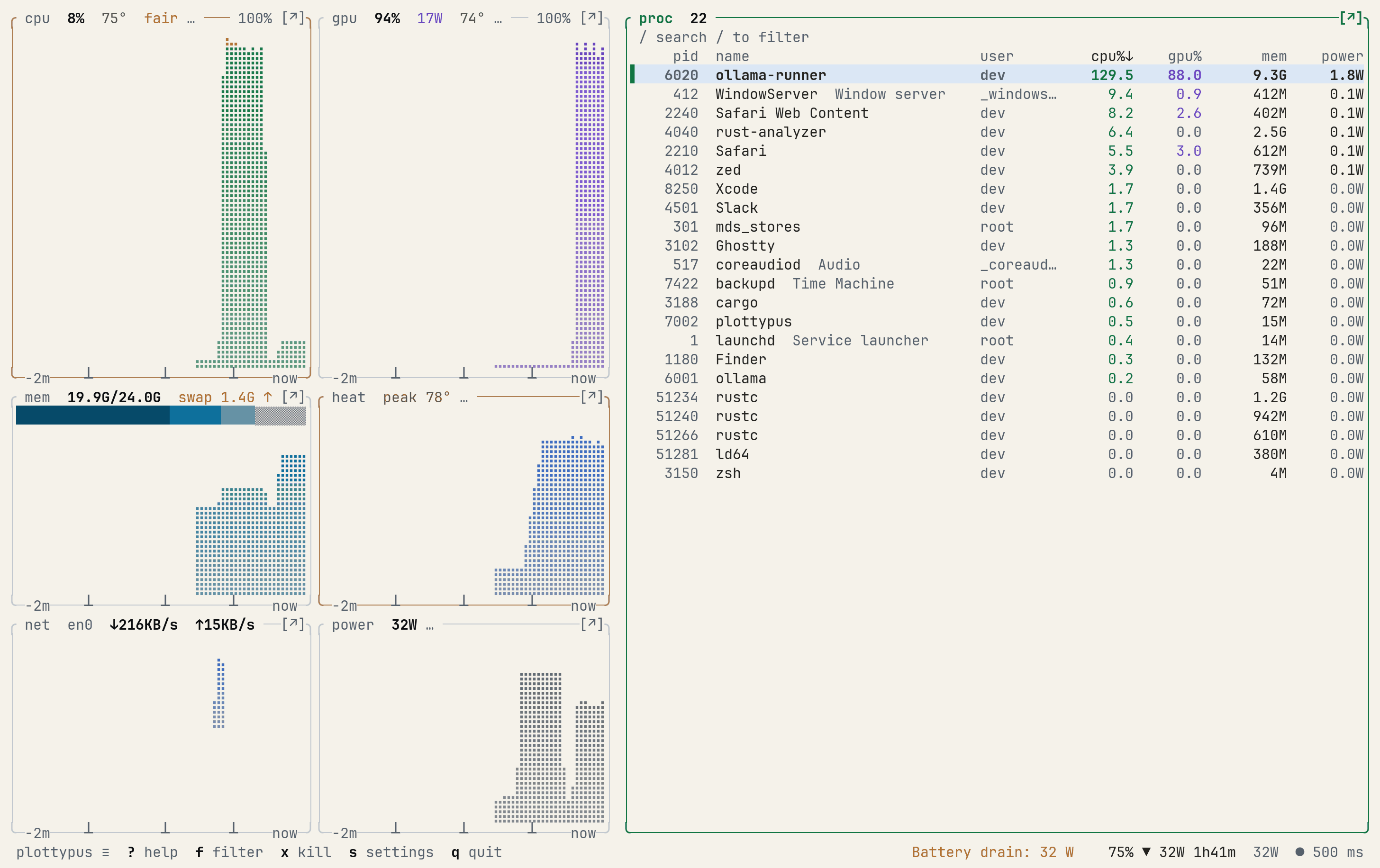
The paper themedemotheme-paper.pngPNG, 109 KB
mark
The mark
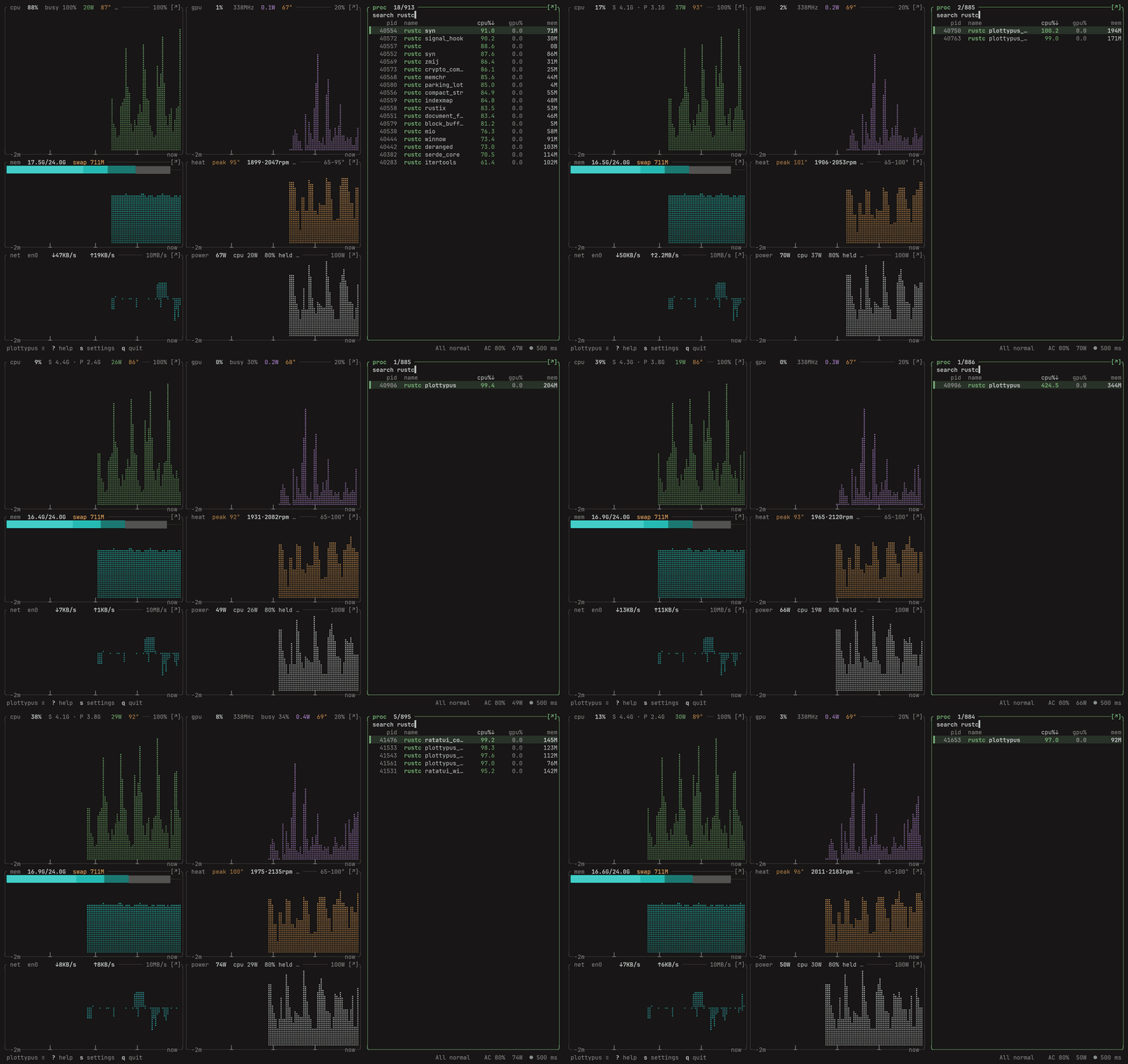
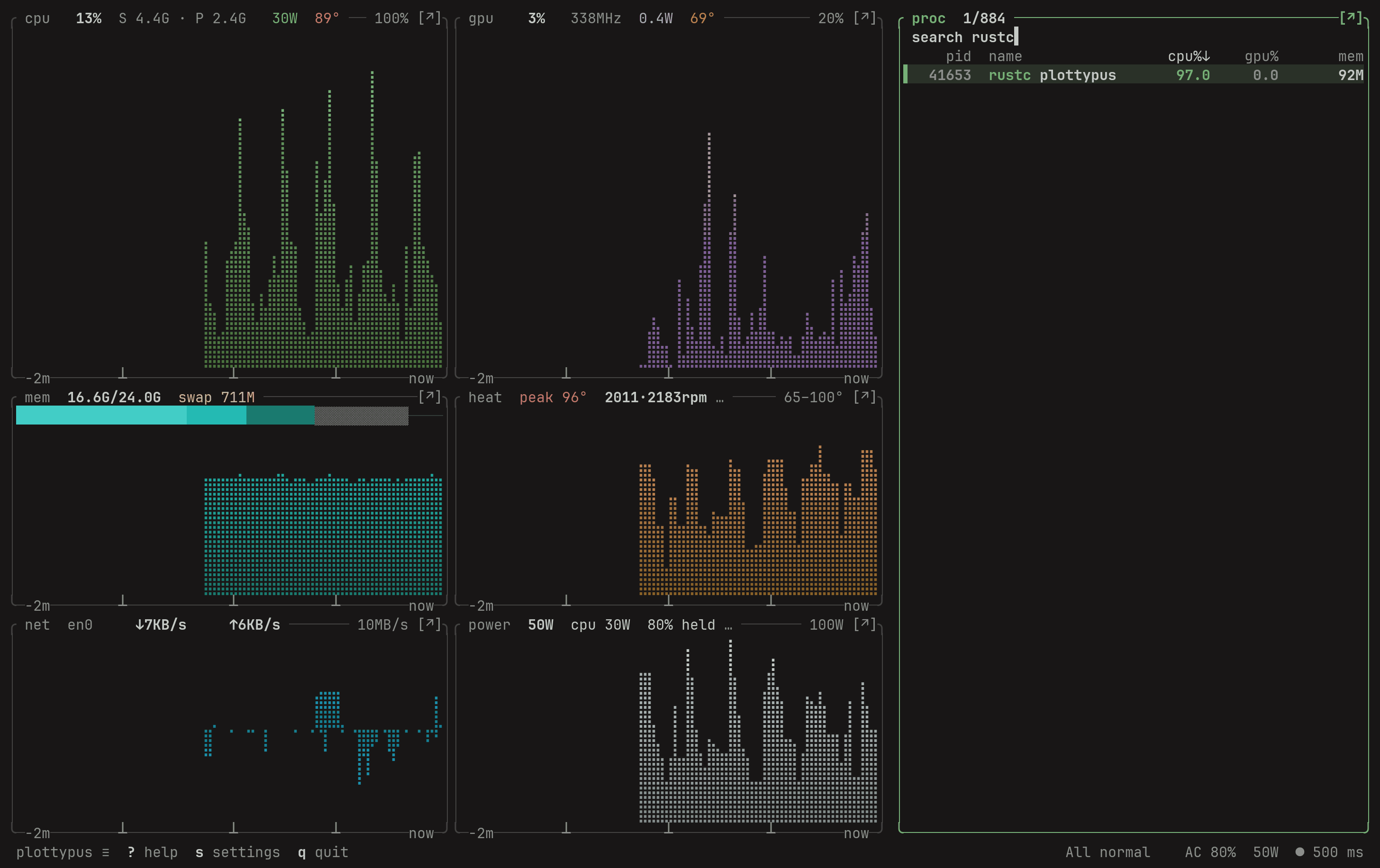
A platypus drawn in braille dots, the same characters plottypus plots its graphs with. It is green because the CPU graph is. Set the name in lowercase, in JetBrains Mono Bold, next to it: plottypus.








accuracy
How to describe plottypus correctly
The software shows — instead of a fake zero. Descriptions of it should be as careful. Each row below is an easy mistake to make.
| Write | Not |
|---|---|
| Free to use under the EULA. The source is not open. | open source, MIT, or "on GitHub" |
| Live CPU watts without sudo on the M5 Pro. On other Apple Silicon chips it holds the last IOReport value with its age, and shows — once it is more than 10 s old. | live CPU watts on every Mac |
| Built for M1 to M5, including Pro, Max and Ultra. Tested on one Mac: an M5 Pro running macOS 27.0. | tested on every Apple Silicon Mac, or a list of supported macOS versions |
| macmon 0.8.2 and mactop 2.1.5 read 0.0 W CPU in 20 of 20 samples (M5 Pro, macOS 27.0, 24 September 2026). | the first or only tool that reads CPU watts, or "every other monitor shows 0 W" |
| powermetrics needs sudo; we did not run it for the macOS 27 comparison. | powermetrics shows 0 W |
| Makes no network connections and sends no telemetry. | opens no sockets (it opens a local route socket to find the default network interface) |
| Ad-hoc signed, not notarized. | signed with a Developer ID, or notarized |
| Free. Every live reading stays free. Pro is not on sale yet. | a Pro price, trial or subscription as if you can buy it today |
| Timeline, reports, alerts in the background, recording and exporters are planned for 1.1. | any 1.1 feature as part of 1.0.0 |
| Install with the curl installer or the tarball; a Homebrew tap is coming. | brew install plottypus |
| No user, install or star counts are published. | an estimate of users, downloads or stars |
contact
Who to ask
plottypus is built by Lay Sheth, a solo developer in India.
Questions about a number, or a screenshot at another size: email. More about the project on /about.